Hello dear WebSpellChecker clients!
And just like that, this summer is almost over… We’re proud to share that we haven’t wasted a moment, but crushed those summer break goals. And it’s not just about sipping margaritas, we’ve got some legit improvements and updates too.
So, check the activities below in our summer camp.
WProofreader core summer edition
This summer, we gave a breath of fresh air to the WProofreader components and the overall UI. Specifically, we:
🧩 Integrations
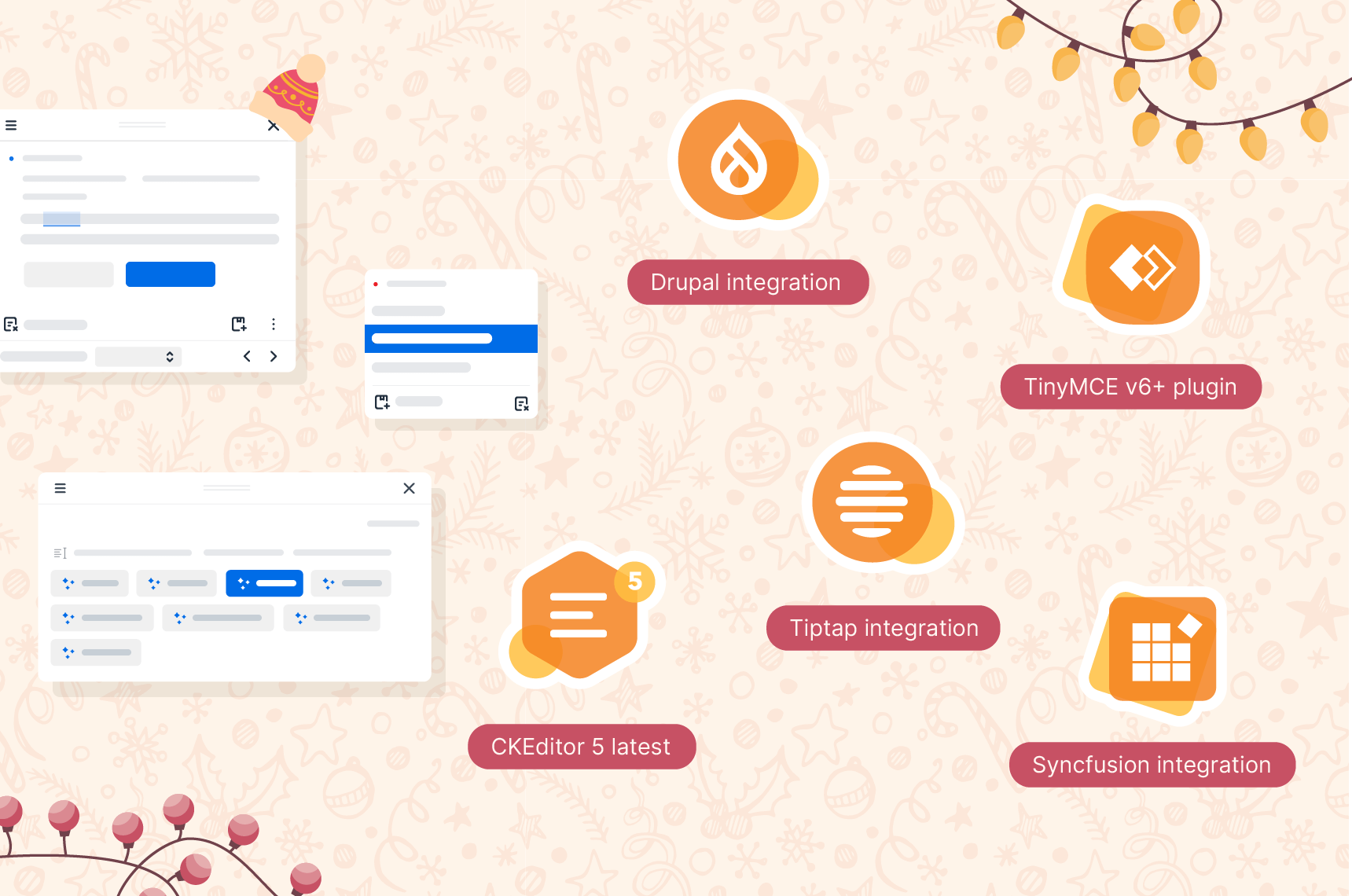
- added an improved integration with the latest version of TinyMCE by adding a dedicated plugin that also takes into account the look & feel of the edited theme for the integration;
- provided support for CKEditor 5 v46.0.0, which was the major release with a significant number of changes, the main of which was the replacement of the ViewWriter class with the UIModel class;
- created a dedicated online demo for the CodeMirror text editor;
- rolled out WProofreader for WordPress v.2.8.0, which addresses issues with user preferences caching, enables the compact badge by default, and enhances the in-dialog suggestions mode.
⚙️ Core
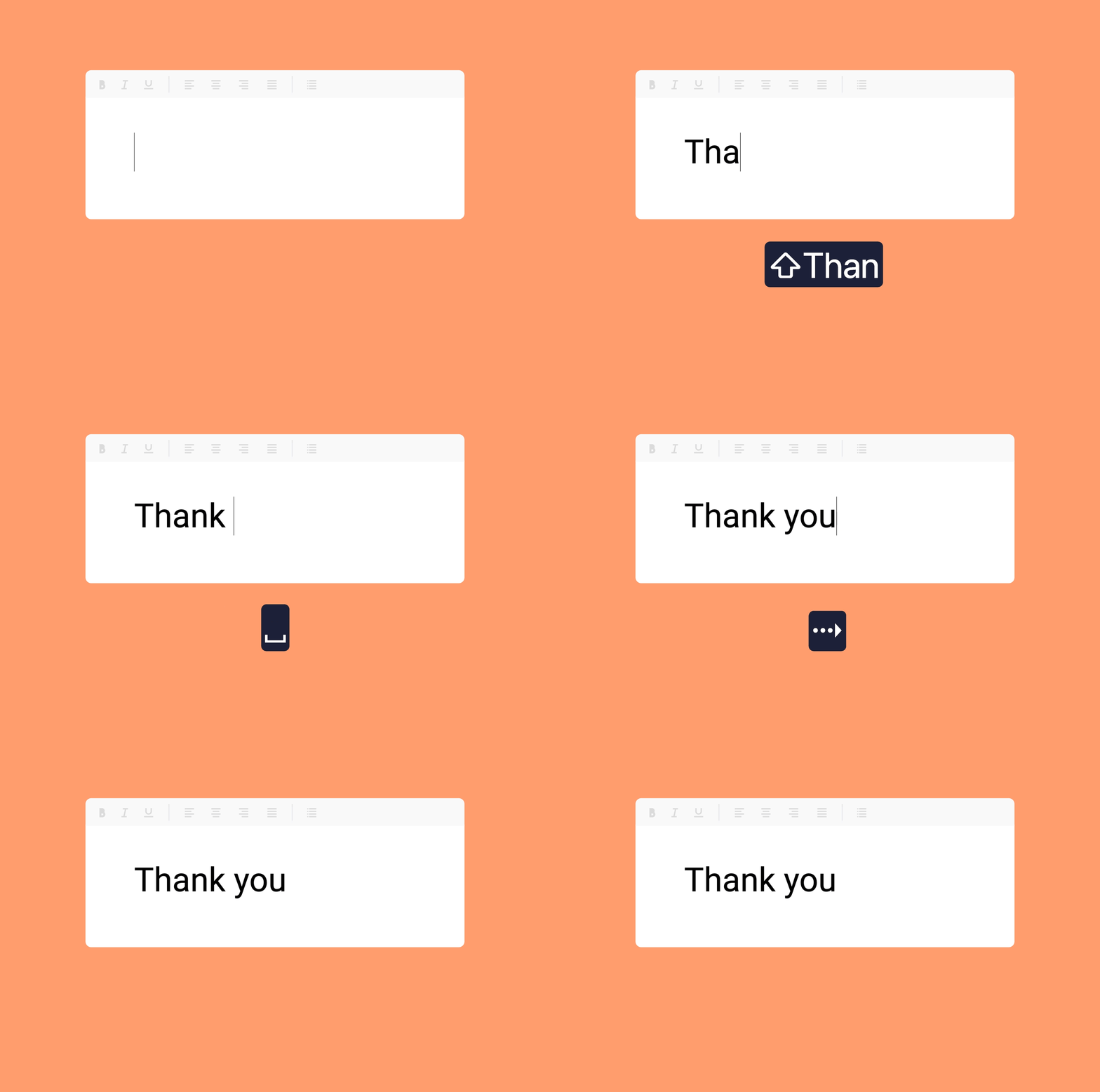
- improved the text prediction mechanism by introducing the autocomplete suggestions triggered by the space key.
- improved the autocorrect mechanism to prevent overlapping suggestions and allow revert actions. Highlighting is now delayed in the same position until the user types three or more characters or reverts the change, reducing UI conflicts and improving interaction flow.
- improved the logic for storing user-selected options in the WProofreader for WordPress integration. Previously, options were saved in local storage, causing confusion when configuration defaults were overridden. Now, local storage is disabled by default, and the configuration script sets options programmatically, giving clients full control over persistent options.
- added the onUsage callback which is triggered whenever a check, autocorrect, autocomplete, or generate request is executed and tracked. It provides key metadata about the request type along with selected input and output values. Clients can use it to monitor usage, collect metrics, and support client-side billing or analytics.
- fixed a critical bug with user dictionary functionality incorrectly working with sync changes made to dictionaries.
🎨 UI
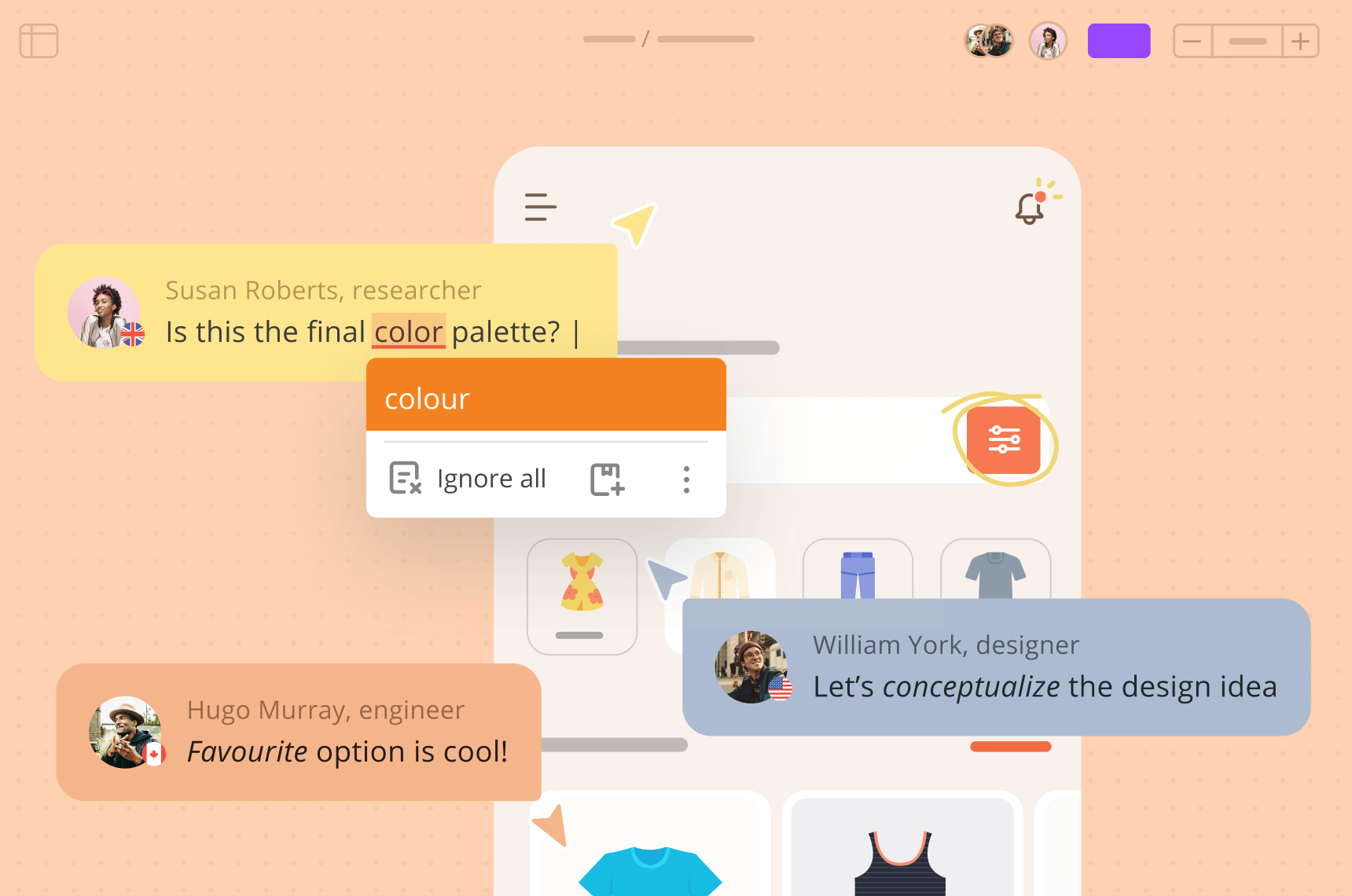
- improved the styling of the “No suggestions” message in the WProofreader suggestion pop-up by removing the label when it comes with the description;
- added the types for all the suggestions in the pop-up: spelling, grammar and style. The option to hide suggestion types in the popup via disableTypeInSuggestionPopup is also available.
Linguistic fever is hitting hard
We’ve transformed each client request into an opportunity to enhance the quality of WProofreader. Despite the degrees outside, we maintained our linguistic focus without skipping a beat. During these hot days we:
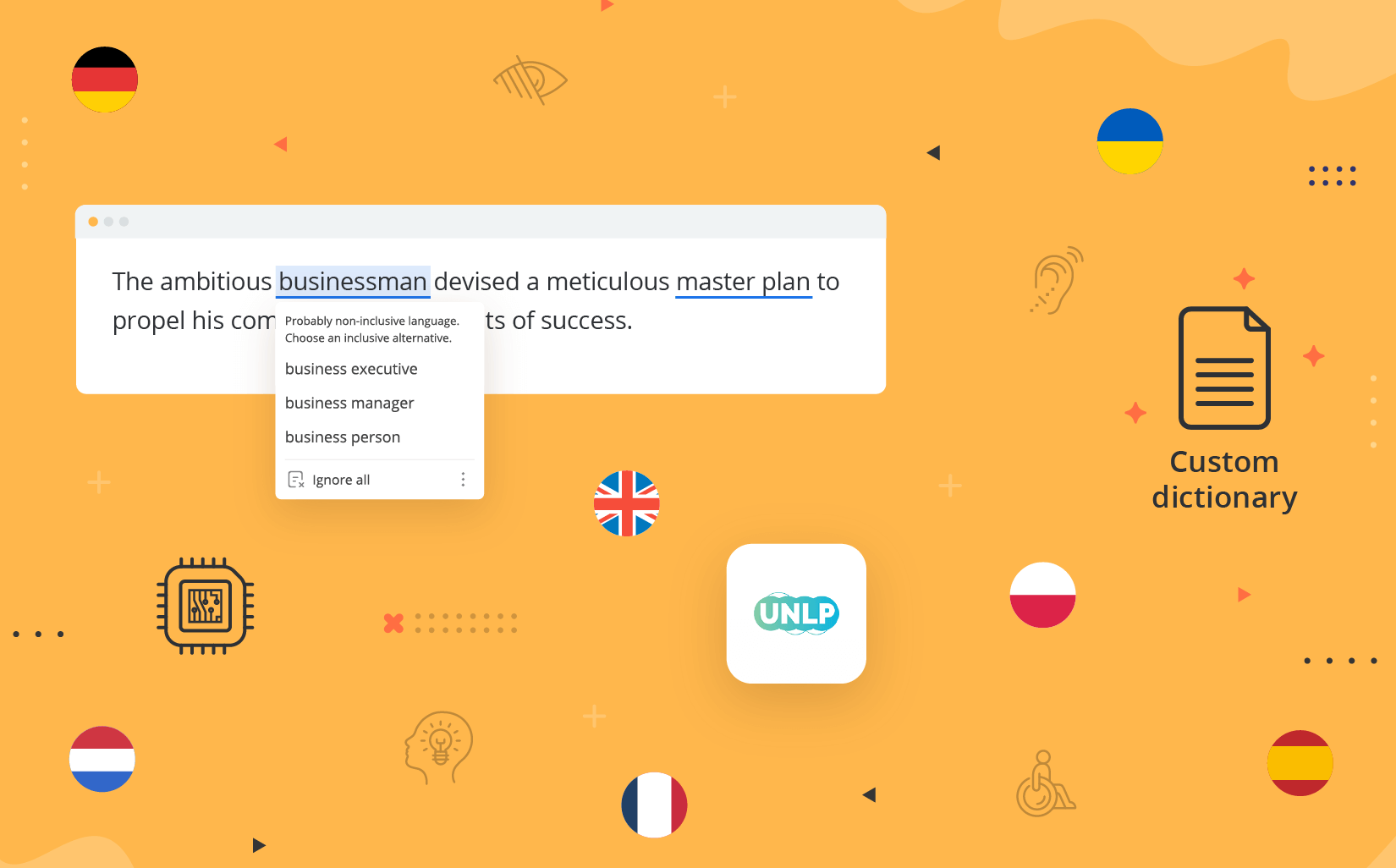
- Added new categories for style check suggestions: anglicisms detection in German, French, Spanish and Portuguese texts and wordlists with a regional lexicon for German dialects.
Demo text: Link ist eine Verbindung auf ein anderes Objekt, wie eine Datei, einen Ordner oder eine Ressource verweist.
- Enabled AI-based text check configuration by default for all German dialects for more quality suggestions. They cover conjugation in present tense, subject-verb agreement, word order, articles, possessives, typical misspellings, subordinate clauses, adjectives, prepositions with dative and accusative cases.
- Enabled medical dictionary support for German dialects.
- Improved the exclude word functionality in terms of case-sensitive suggestions (available within the on-prem version).
- Made huge improvements to spelling dictionaries for English, German, Spanish, Ukrainian, French, Swedish and Portuguese, in terms of the relevancy of entries, the dictionary logic, suggestions prioritization, etc.
AI writing assistant is choosing to shine
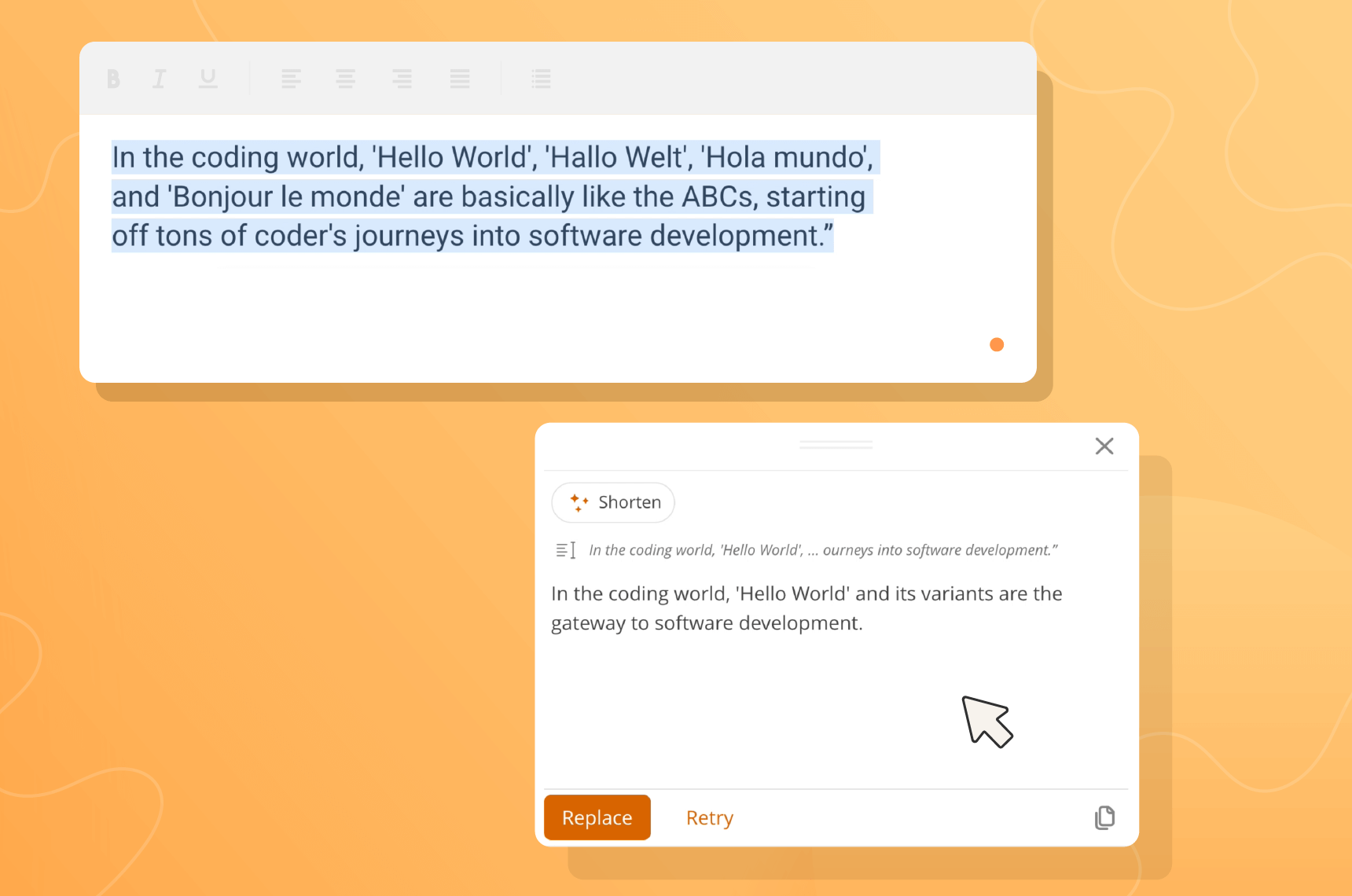
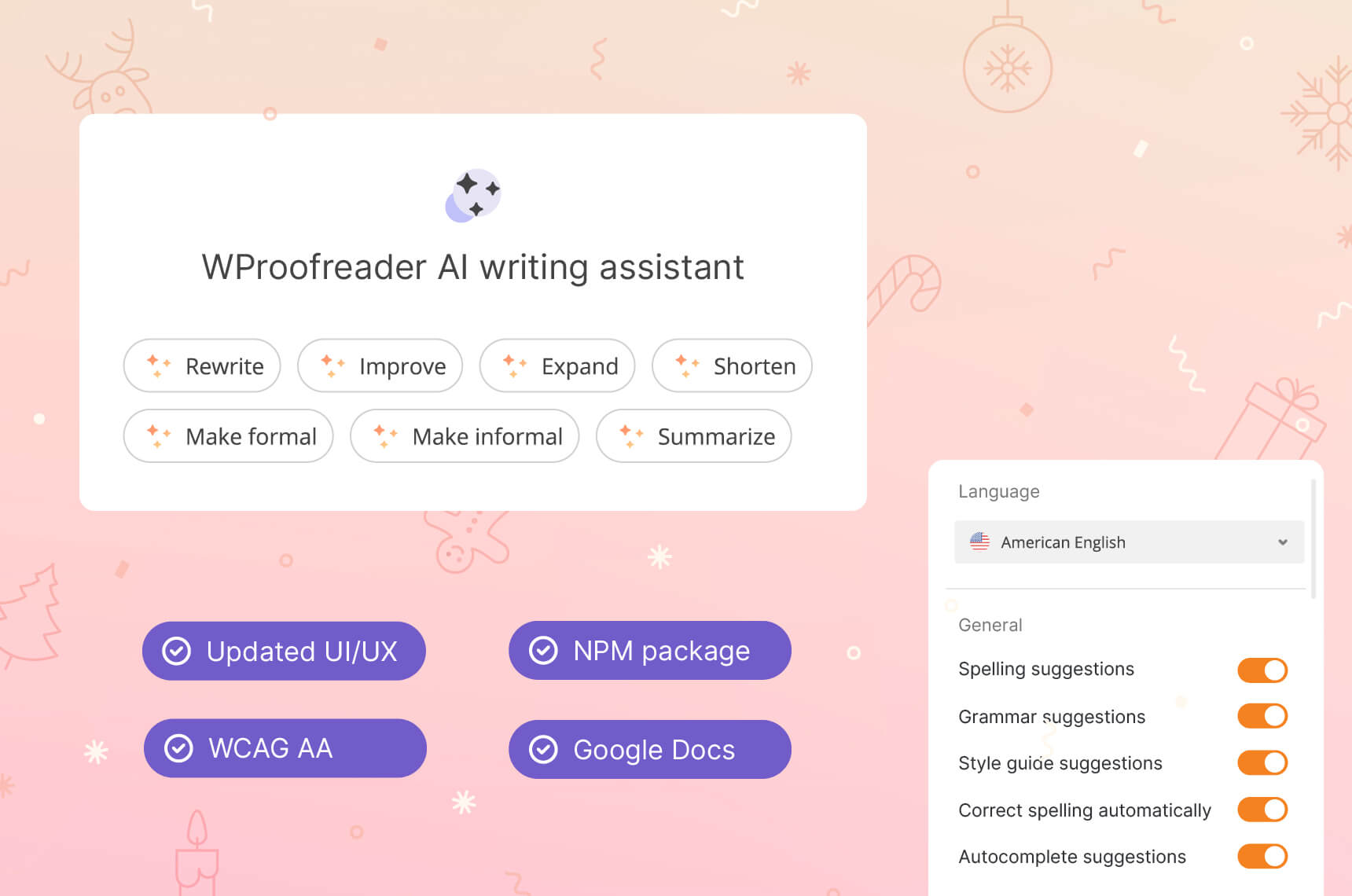
Are you feeling the heat? This is AI writing assistant!
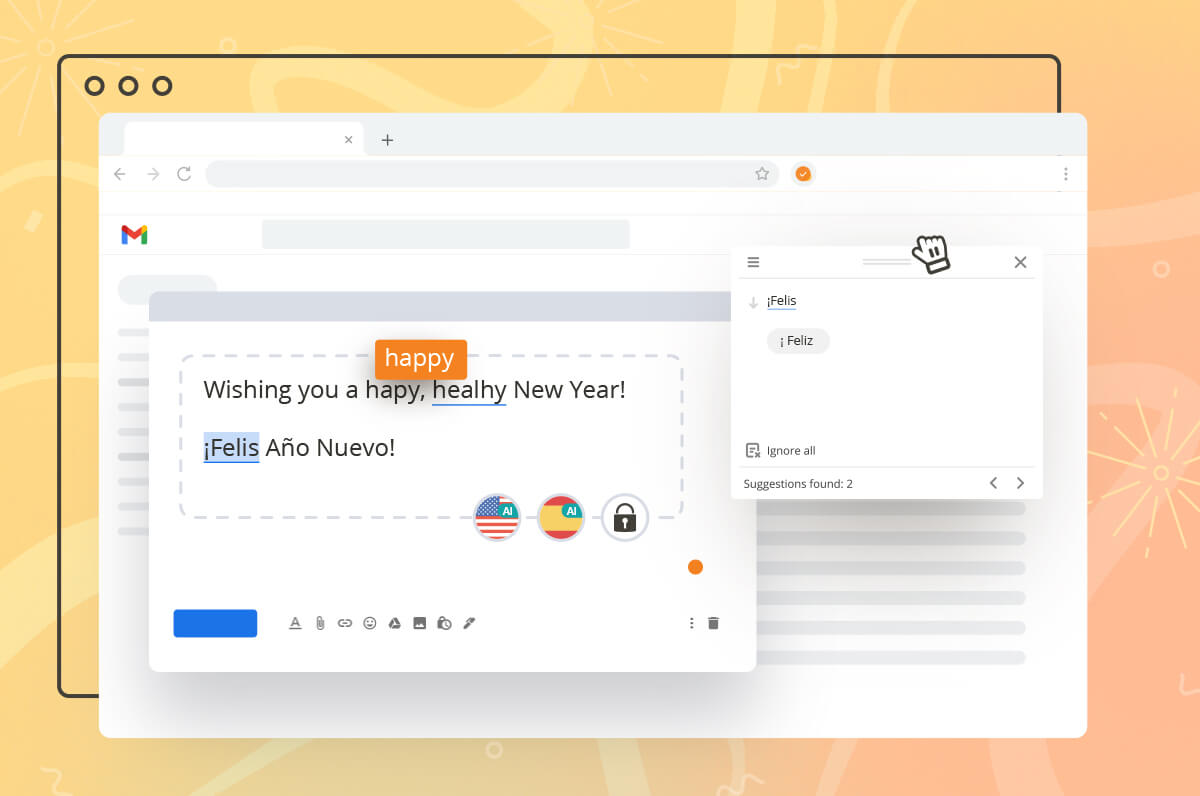
We’re excited to announce that our assistant now offers support and has localization for Swedish and Ukrainian languages across all pre-defined prompts. Additionally, we’ve conducted thorough testing to safeguard the solution against prompt injection and other potential security issues.
And other news is that our AI writing assistant has been transitioned to the latest Claude Sonnet 3.5 model since the deprecation of Claude Instant we used for multi-language support. Claude Sonnet demonstrates enhanced capabilities in comprehending and responding to complex prompts and requests. Also, we added the support for Mistral family LLMs, which proved to perform better for French and dialects.
An important note for our on-premises clients: those of you who use or plan to deploy the full version of the AI writing assistant need to upgrade to the new LLM version as soon as possible to make sure the assistant works with all the supported languages.
To try AI writing assistant for WProofreader cloud, enable the respective parameter ‘aiWritingAssistant:true’ in the config script.
Admin panel summer goal
Mentally, we’re in Bali, physically we’re here with the ever-improving admin panel 😌
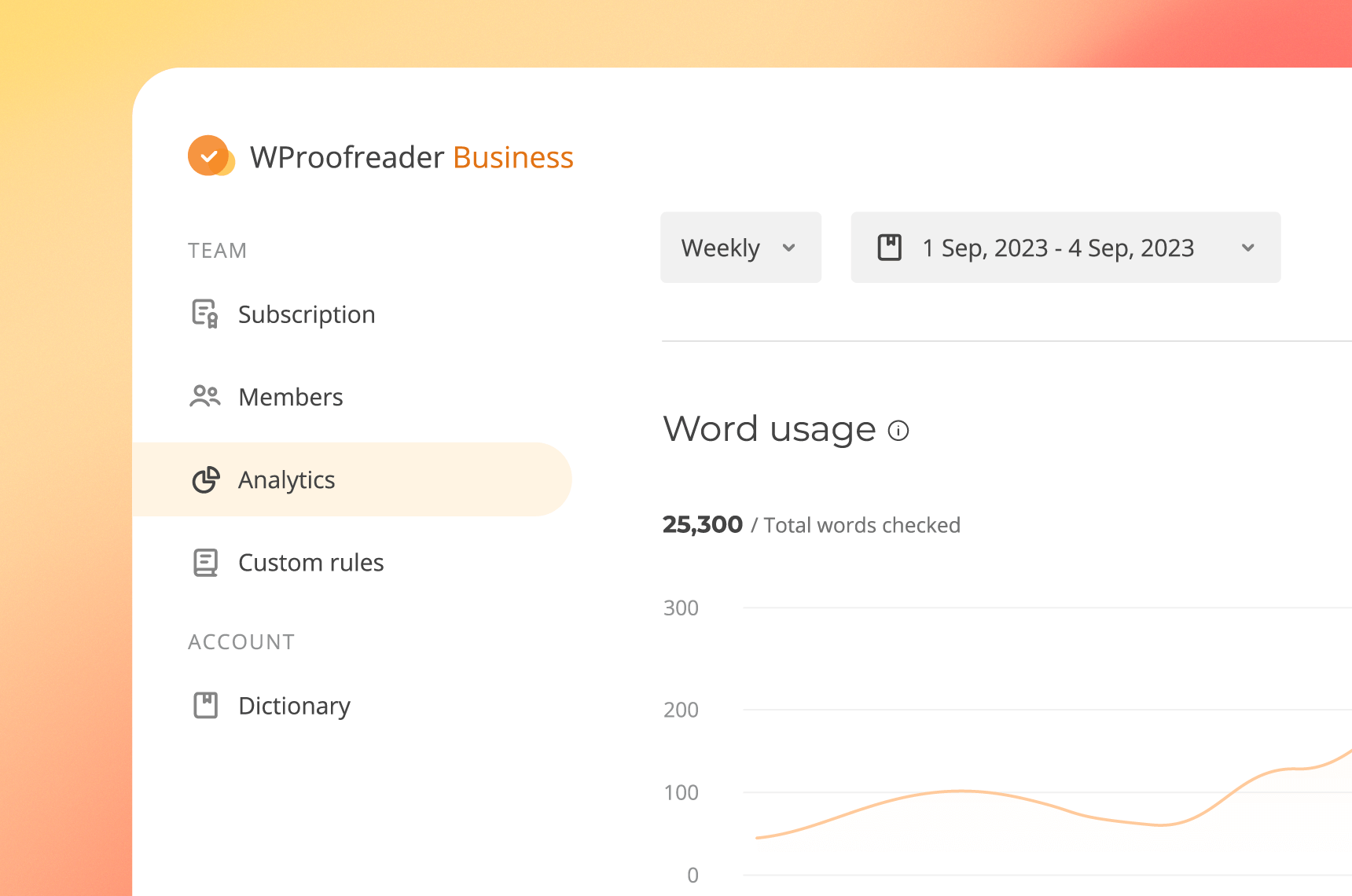
We’ve been hard at work migrating our cloud clients to the new admin panel (v2.1.19) and gathering feedback. The great news is that all of our active cloud clients are now using this updated version for their subscription and functionality management needs.
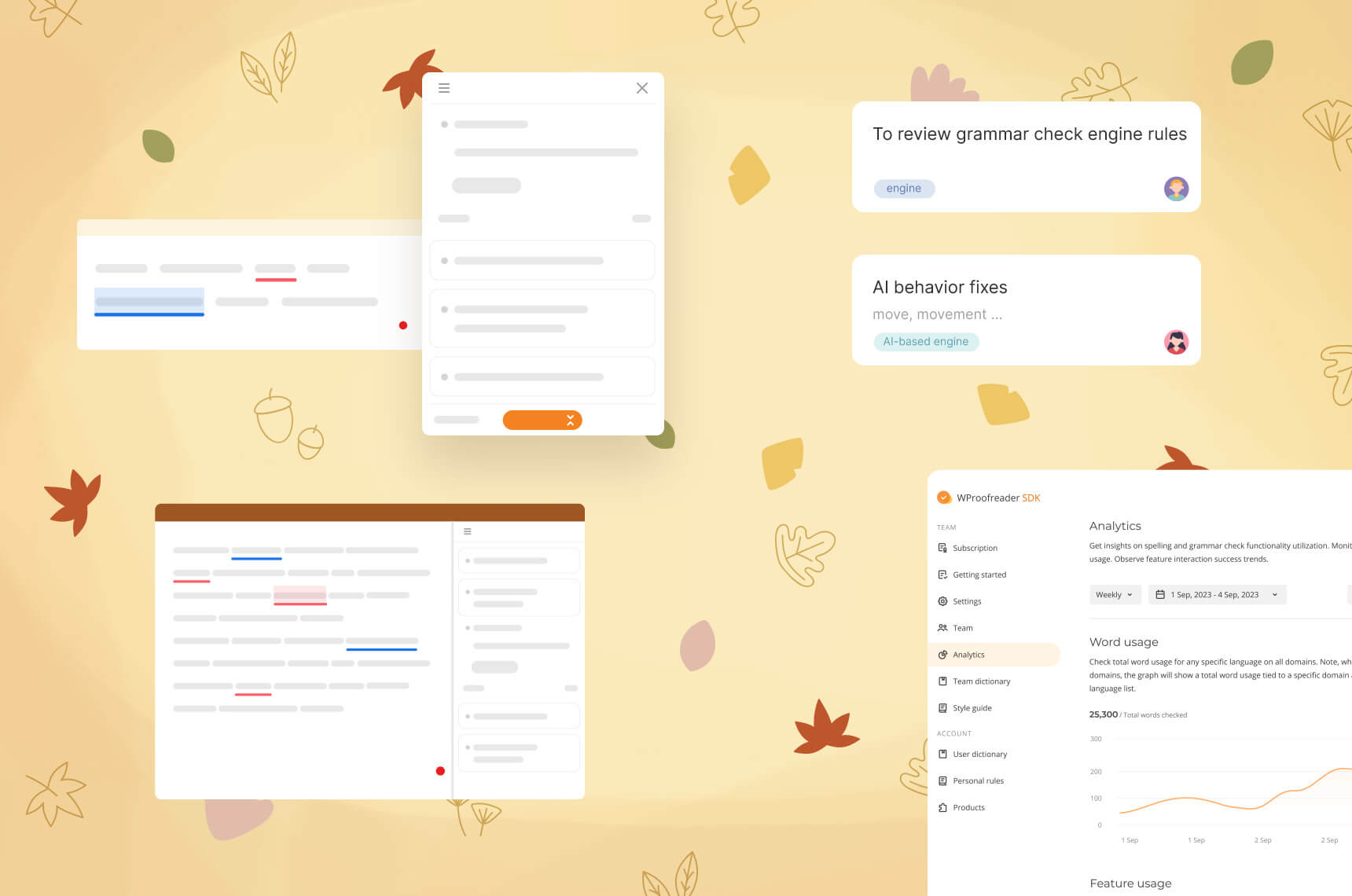
We’ve enhanced the Analytics page with updated chart displays, tooltips, and filters to make this feature more effective for your daily tasks. The planned release will include usage-based pricing plans not tied to the billing cycle, and improvements to the style guide builder functionality with context-dependent rules grouped by language.
Other summer essentials…
Beyond those fun plans under the sun, we’ve managed to:
- Add support for environment variables in the AppServer configuration and parsing logic for Docker deployment. More details.
- Update error messages across the custom dictionary API and the licensing for the self-hosted version for the sake of clarity and safety.
- Update the third-party libraries to address the public vulnerabilities that arose as the result of the recent updates.
… and back-to-school plans

We’re excited to announce the upcoming launch of the tone of voice detection and translation feature within the WProofreader AI writing assistant. Additionally, we’re working on the snippets and thesaurus options, which will be available soon. Stay tuned for more updates!
If you’re interested in learning more about the upcoming features, let us know.